 AbsentMotion
Blur
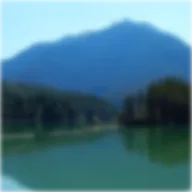
A smooth, even blur.
Strength is the size of the blur: 0 is sharp, and higher numbers soften the layer more. It works on photos, video, shapes, text and groups.
- Animate Strength from a high number down to 0 to bring a title or photo into focus.
- To blur everything that is behind a layer, add Copy Background first and Blur after it.
- To blur along movement, use Motion Blur. To keep the outline sharp, use Inner Blur.
Settings
| Setting | Type | Range | Default |
|---|---|---|---|
| Strength | Number | 0 to 300 | 10 |